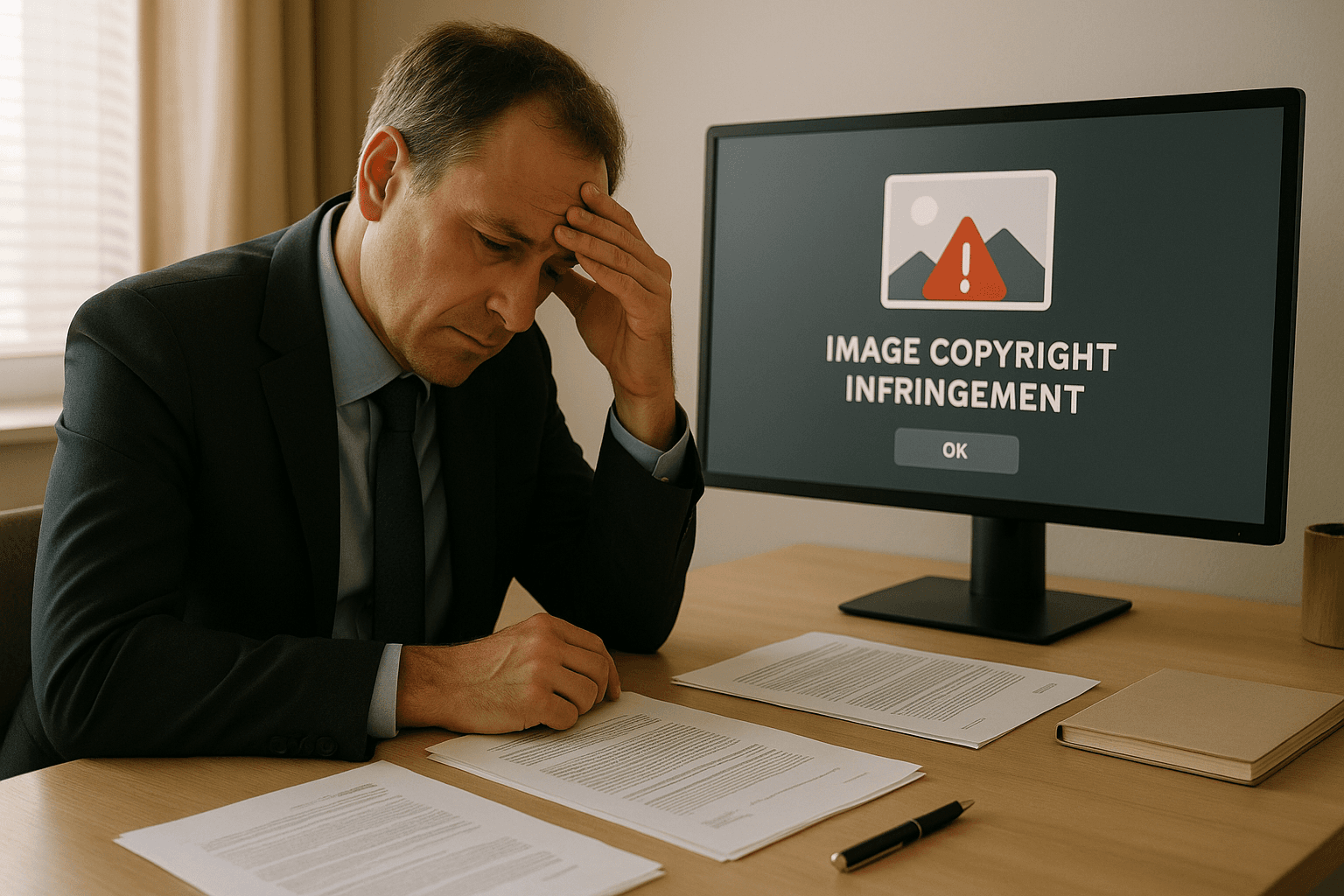
Using unlicensed images can lead to copyright claims, legal fees, and reputational damage. Protect your website with proactive tools like PicDefense. This guide will show you how to navigate copyright risks and secure your content with confidence.
- Understand Image Copyright: Creators automatically own rights to their images, including reproduction, distribution, and display. Misusing images can result in fines up to $150,000 per infringement.
-
Source Images Legally:
- Use public domain or Creative Commons images with proper attribution.
- Purchase licenses from stock platforms like Shutterstock or Adobe Stock.
-
Monitor Image Usage:
- Use tools like PicDefense to scan your site for copyright risks.
- Keep thorough records of licenses, permissions, and image sources.
-
Handle Copyright Claims:
- Verify the claim’s validity.
- Remove the image if necessary and consult a legal expert.
Quick Tip: Reverse image search tools like PicDefense can help verify image sources. Automating compliance with AI tools ensures you avoid costly mistakes.
What You Need to Know About Image Copyright
Understanding Image Copyright
Image copyright grants creators exclusive control over their work, including the right to reproduce, distribute, and display it. Unfortunately, many website owners unknowingly use copyrighted images, exposing themselves to legal claims. Tools like PicDefense simplify compliance by identifying risks and documenting permissions, helping you stay protected.
| Right | Description |
|---|---|
| Reproduction | Making copies of the image |
| Distribution | Sharing or selling the image |
| Display | Controlling where and how it appears |
| Modifications | Creating altered versions of the image |
A common mistake is assuming that images found through Google searches are free to use or that giving credit to the creator is enough. Unfortunately, these assumptions can lead to legal issues. Knowing the rights associated with digital images is crucial for avoiding these pitfalls.
Risks of Using Copyrighted Images Without Permission
Failing to verify image rights can lead to hefty fines, legal fees, and a damaged reputation. Many website owners rely on tools like PicDefense to avoid these risks. With automated scans, licensing documentation, and actionable insights, PicDefense simplifies compliance, so you don’t have to face these challenges alone.
Here’s a look at the potential financial impact:
| Consequence | Potential Cost |
|---|---|
| Legal Fees | Up to $150,000 per infringement |
| DMCA Takedowns | Lost revenue from removed content |
| Brand Damage | Decline in customer trust and partnerships |
To reduce these risks, consider the following steps:
- Add digital watermarks or metadata to your images to clearly establish ownership.
- Keep thorough records of image licenses and permissions.
- Use tools like PicDefense to scan your site for high risk copyrighted images
AI-generated images introduce additional challenges, as their ownership can often be unclear. Always review licensing terms carefully to avoid disputes. Watermarks and metadata remain effective tools for proving ownership and resolving conflicts [1][2].
How to LEGALLY Use a Copyrighted Photo
How to Find and Use Images Legally
Using images legally means understanding licensing rules and sourcing them correctly. Here's how to do it the right way.
Public Domain and Creative Commons Images
Public domain images are free to use without any restrictions. These can often be found on government websites, historical archives, or dedicated platforms. Even though they're unrestricted, it's wise to keep a record of where you got them.
Creative Commons licenses allow you to use images legally, but each license comes with specific terms. Here's a quick guide:
| License Type | What You Need to Know |
|---|---|
| CC0 | No restrictions; free to use as you like |
| CC-BY | Free to use, but you must credit the creator |
| CC-BY-SA | Free to use with credit; must share under the same license |
| CC-BY-NC | Free for non-commercial use with credit |
| CC-BY-ND | Free to use with credit, but no modifications allowed |
Some excellent platforms to find such images include:
- Unsplash: Offers high-quality photos with CC0 licensing.
- Pexels: Provides professional-grade images free for commercial use.
- Pixabay: Features a diverse range of public domain content.
- Creative Commons Search: A tool that pulls content from multiple sources.
If you’re looking for exclusive or highly specific images, stock image platforms might be a better choice.
Purchasing Stock Image Licenses
Stock image platforms are a reliable option for obtaining professional images with clear usage rights. Services like Adobe Stock, Shutterstock, and Getty Images offer a variety of licensing plans to suit different needs.
When buying stock images, keep these tips in mind:
- Carefully review the usage terms before purchasing.
- Save all licensing documentation, including receipts and purchase dates.
- Check for any limits on time or usage to avoid future issues.
Even after purchase, it’s a good idea to double-check the copyright status using advanced tools.
Verifying Copyright with AI Tools
With AI-driven monitoring from PicDefense, you can proactively manage copyright compliance. PicDefense’s unique features, like PicRisk scoring and monthly compliance scans, protect your website from copyright claims while offering alternative image solutions when risks are detected.
This tool simplifies compliance and reduces the risk of accidental infringement.
"Using tools like PicDefense to analyze images and identify potential copyright issues helps in preventing unauthorized use and avoiding copyright infringement." [2]
Taking these steps ensures you can confidently use images without legal concerns.
sbb-itb-59d21f2
Steps to Reduce Copyright Risks
Using Reverse Image Search to Verify Image Sources
Using reverse image search tools like PicDefense.io’s proprietary solution, you can verify image sources and assess copyright risks effortlessly. Unlike third-party tools, PicDefense integrates risk scoring, metadata analysis, and compliance tracking in one platform.
Keeping Records of Image Licenses and Permissions
Properly organizing your image licenses and permissions is essential. Use a centralized system to store all relevant documentation, such as purchase receipts, permissions, and usage terms. Here's a quick guide to what you should track:
| Documentation Type | How to Store and Track It |
|---|---|
| Purchase Records | Save receipts and license terms in cloud storage. |
| Usage Rights | Log permissions and attribution rules in your CMS. |
| Creator Permissions | Keep written approvals in your legal files. |
| Public Domain Checks | Document source verifications in your image database. |
Automating Image Monitoring with AI Tools
AI tools like PicDefense make it easier to manage compliance by scanning your site for risks and giving actionable advice. These tools provide ongoing monitoring, helping you spot issues before they turn into legal claims.
For best results, pair automated tools with regular manual reviews. Consider conducting quarterly image audits to ensure your records are up-to-date and accurate. This dual approach balances efficiency with thoroughness.
Stay ahead of copyright risks with a robust strategy:
- Use PicDefense.io to automate image monitoring and compliance.
- Train your team on ethical image sourcing and record-keeping best practices.
- Set up monthly compliance scans to ensure your website stays protected from emerging risks.
How to Handle Copyright Claims
What to Do If You Receive a Copyright Notice
If you get a copyright notice, take action right away. Start by confirming the claim's validity - check metadata or verify the source to confirm ownership. If the claim is legitimate, remove the image immediately to avoid further legal issues. Keep detailed records of all communications and steps you take. For further guidance, consult an intellectual property attorney.
Setting Up Compliance Workflows
Having clear workflows in place can help you avoid copyright problems in the future. Here's a simple framework to manage image usage effectively:
| Workflow Stage | Key Actions | Tools/Resources |
|---|---|---|
| Image Acquisition | Ensure proper licenses and terms of use | Adobe Stock, Shutterstock |
| Documentation | Keep records of sources and permissions | PicDefense |
| Monitoring | Scan your site regularly for compliance | PicDefense.io |
PicDefense.io is a helpful tool that scans your site, catalogs your images, and flags potential copyright risks using AI.
Reducing Future Risks with Ethical Image Sourcing
Strengthen your compliance efforts by prioritizing ethical sourcing. This approach minimizes the chances of copyright claims. Stick to platforms that provide clear licensing terms and proper documentation. Here are a few key steps:
- Keep Detailed Records: Save all image licenses, purchase receipts, and usage terms. Store this information in PicDefense’s dashboard for quick access during audits or disputes.
- Use Monitoring Tools: PicDefense's automated scanning can help you keep an eye on your website. Its risk scoring system highlights potentially problematic images before they escalate into legal issues.
- Choose Alternatives When Needed: If PicDefense flags an image, use its feature to find replacements from legitimate platforms like Pexels. This way, you maintain your site's visual appeal while staying compliant with copyright laws.
Conclusion: Protect Your Website by Staying Compliant
Once you've set up processes for compliance and responsible sourcing, it's important to turn these into a long-term plan. Responsible image use isn’t just a legal obligation—it’s a way to build trust with your audience. Tools like PicDefense automate risk detection, suggest compliant alternatives, and simplify your compliance efforts. By adopting these practices, you’ll protect your site and strengthen your brand’s reputation.
AI tools can make copyright compliance easier with built-in solutions. For example, PicDefense helps by automating risk detection and offering alternative image suggestions:
| Protection Layer | Benefits | How It Works |
|---|---|---|
| Automated Scanning & Verification | Identifies copyright issues and checks image origins | Runs regular full-site scans |
| Risk Assessment | Delivers actionable compliance insights | Uses the PicRisk scoring system |
| Alternative Solutions | Recommends images from approved sources | Connects directly with platforms like Pexels |
PicDefense also offers a WordPress plugin and API access, making it easy to add copyright compliance tools to your current workflows without limiting your creative choices. Regular checks, clear records, and quick responses to issues will help keep your site compliant and safe.
By adopting these practices, you protect your site from copyright problems while showing your audience that your brand values responsibility and trust.
"Ethical image sourcing builds trust and avoids legal risks." [2]
FAQs
How can I check if an image is copyrighted?
To check if an image is copyrighted, pay attention to these clues:
| Indicator | What to Look For | How to Check |
|---|---|---|
| Watermark | Logo or signature overlay | Inspect the image visually |
| Photo Credit | Attribution in caption | Review the image metadata |
| Digital Info | Embedded copyright details | Use metadata viewer tools |
| Source Details | Original publication info | Run a PicDefense reverse image search |
Here are some effective ways to confirm an image's copyright status:
- Reverse Image Search: Use tools like PicDefense to trace an image back to its source and identify whether it’s protected.
- Check Metadata: Many digital images include metadata that reveals ownership and usage rights.
- Direct Verification: Contact the creator or the platform where the image was initially published to confirm usage permissions.
| Action | Purpose | Outcome |
|---|---|---|
| Contact Creator/Platform | Verify usage rights | Obtain direct permission |
| Use Platform Tools | Automate verification | Ensure quick compliance |
| Set Up Monitoring Tools | Regular copyright checks | Maintain ongoing compliance |
"Ethical image sourcing builds trust and avoids legal risks while ensuring creator rights are respected" [2].
Automated tools like PicDefense can simplify this process by integrating copyright checks into your workflow, helping you verify and manage image rights efficiently across your website [1].
Sign up for PicDefense.io today and safeguard your website from copyright claims.
Protect your website from image copyright claims
PicDefense scans your entire website, identifies image risks, and stores proof of compliance — so you never get caught off guard.