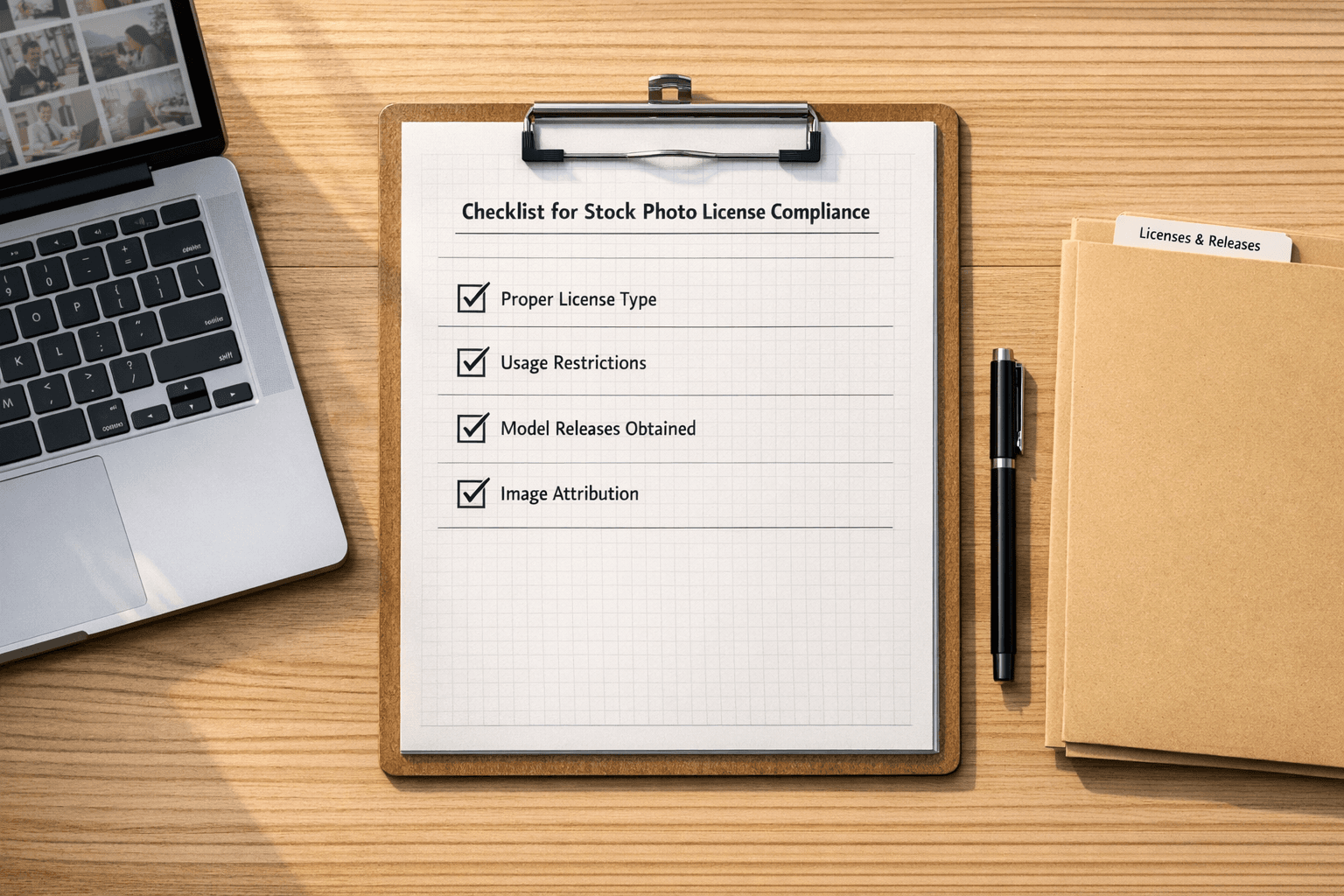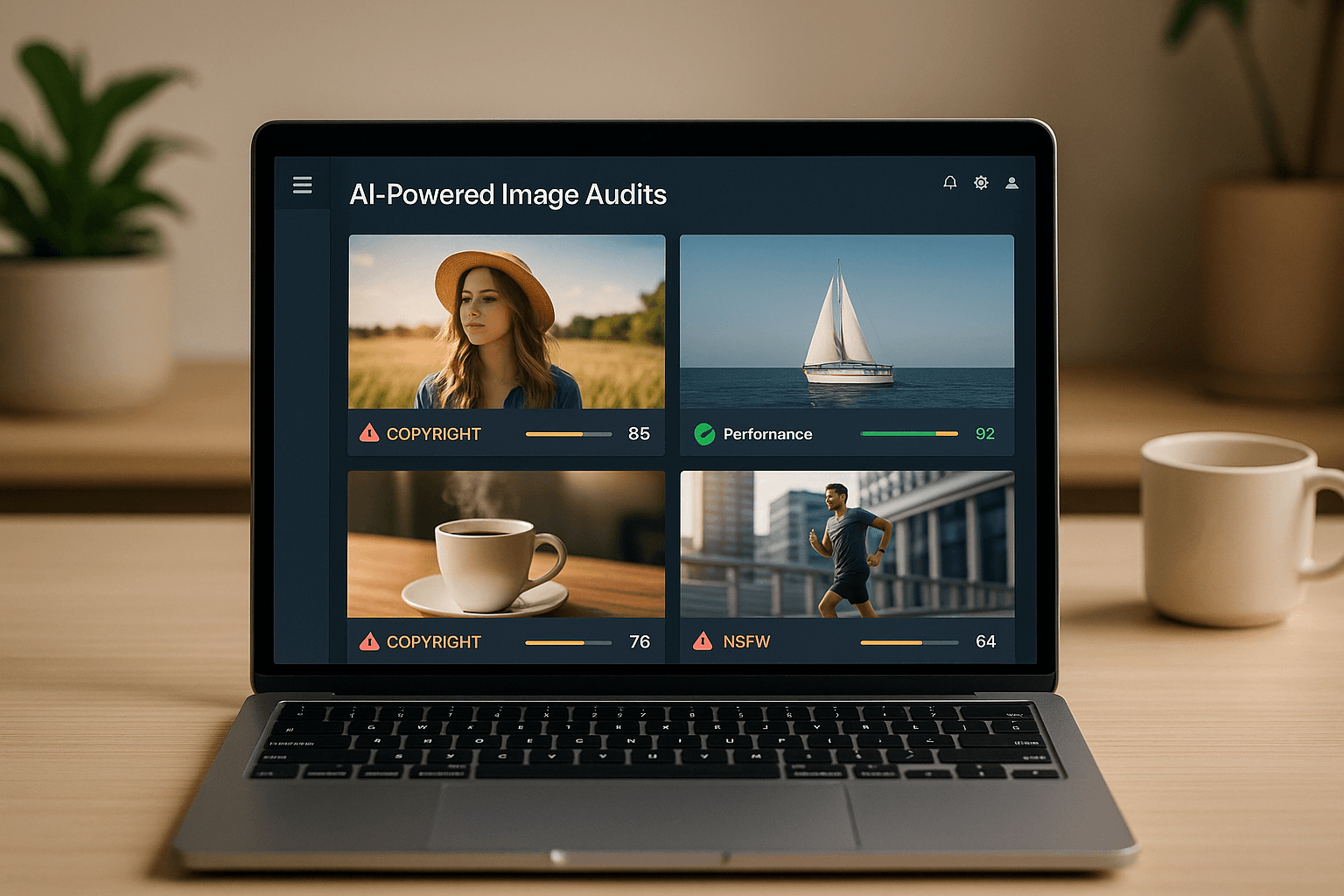
Did you know using unlicensed images can lead to fines of $750 to $150,000 per violation? AI-driven tools now make it easier to avoid these risks by scanning your website for copyright issues, improving performance, and ensuring mobile compatibility. Here’s what you need to know:
- Why It Matters: Images without proper licenses can result in legal trouble. AI tools help identify and fix these issues quickly.
- How It Works: AI scans metadata, tracks image origins, and flags risks. It even suggests compliant replacements.
-
Key Benefits:
- Automates copyright checks
- Tracks licenses for peace of mind
- Enhances website speed and user experience
- Prevents costly legal disputes
Tools like PicDefense.io can scan your entire website in hours and offer solutions for flagged images. For just $30/month, you can protect your site with ongoing monitoring and compliance management.
Start protecting your website today with an AI image audit. It’s fast, easy, and saves you from potential legal headaches.
What Are The Two Best Ways To Avoid Copyright Violation With Images On A Website (Choose 2)?
AI Tools for Image Copyright Management
AI has made managing image copyrights much simpler by combining deep learning techniques with massive image databases. For example, PicDefense.io taps into a database of over 67.1 billion indexed images to offer extensive copyright protection [1]. Here’s how AI-powered scanning tools make this possible.
How AI Scanning Protects Images
AI-driven image scanning systems use a mix of advanced technologies to help websites avoid copyright conflicts. These tools can analyze EXIF metadata - a treasure trove of embedded copyright details - while also detecting faces, landmarks, and logos [1].
Some of the standout features include:
- Detecting altered or manipulated images
- Reading EXIF data to uncover ownership details
- Identifying stock photo origins via reverse image search
- Tracking image usage across the web using backlink analysis
- Automatically tagging images with keywords for easier organization
By automating these tasks, AI significantly reduces the need for manual reviews, saving time and lowering the risk of legal troubles.
"AI algorithms can process huge volumes of data and identify similarities down to the pixel or word level." – B12 [2]
Saving Time and Reducing Risks
When these scanning technologies are applied, the results are remarkable. AI doesn’t just make the process faster; it also helps prevent copyright problems before they escalate. For instance, YouTube’s Content ID system detects over 90% of infringing uploads with an impressive 99% accuracy rate [2]. This level of precision eliminates much of the need for manual intervention and helps avoid potential legal disputes.
A real-world example? In 2019, Getty Images used AI to uncover hundreds of unauthorized uses of its images, which led to legal actions against multiple companies [2]. This highlights how AI not only protects creators but also safeguards website owners.
Here’s how AI tools deliver efficiency:
- Rapid Scanning: Entire websites can be reviewed in just hours, replacing tedious manual checks.
- Continuous Monitoring: New images are automatically scanned as they’re uploaded.
- Risk Detection: Issues are flagged early, long before they turn into legal headaches.
- License Management: Systems automatically track and store image licenses and usage rights.
For website owners, this means less time spent worrying about compliance and more confidence in staying protected. As the technology evolves, AI tools are becoming even better at spotting potential copyright issues early, keeping both creators and businesses on the safer side of the law.
Running Your First AI Image Audit
Taking the time to run an AI image audit can help protect your website from potential copyright issues.
Setting Up Website Scans
Start by submitting your full website URL to kick off an AI-powered scan. Tools like PicDefense.io will automatically crawl your site, building a complete inventory of your images - from blog posts to product galleries.
Before you begin, it’s a good idea to gather your current image licenses, list your usual stock photo sources, and pinpoint key sections of your site to prioritize.
For WordPress users, PicDefense.io provides a plugin for seamless integration. If your site runs on a different platform, their web-based scanner can analyze all publicly visible images. Once the scan is complete, the tool dives into image metadata and usage to spot any copyright concerns.
Finding Copyright Issues
The AI system gets to work by analyzing EXIF data, identifying faces and logos, running reverse image searches, and checking backlinks. Images that lack proper attribution or have unclear licensing are flagged with higher risk scores, making them easier to address.
Reading Reports and Next Steps
After the scan, you’ll receive a detailed report on potential risks. Here’s what to do next:
-
Review Risk Scores
Each flagged image will include a PicRisk score and tailored recommendations. -
Record Details
Keep track of the following:- Flagged images and their locations
- Their current licensing status
- Steps needed, such as replacing the image, adding attribution, or purchasing a license
-
Take Action
Resolve issues by replacing unlicensed images, adding proper credits, purchasing licenses, or whitelisting images that are already compliant.
To stay ahead of future risks, set up weekly scans for ongoing monitoring. PicDefense.io offers this service for $30 per month, which includes 150 image analyses. Any unused credits roll over, and the automated Site Monitoring feature ensures your site stays protected as new images are added.
sbb-itb-59d21f2
Finding Safe Image Replacements
Once you've identified copyright issues, the priority becomes securing compliant image alternatives. Tools like PicDefense.io make this process seamless by offering an image-matching system that finds replacements while keeping your website visually appealing.
AI Image Matching System
PicDefense.io’s AI evaluates multiple aspects of flagged images to suggest suitable alternatives. These include:
- Image composition and layout
- Color palettes and tones
- Subject matter
- Visual style and mood
- Technical specs like dimensions and resolution
When a match is found, the platform provides detailed licensing and usage information. This ensures that every replacement image is properly documented, helping you avoid future copyright problems.
Stock Photo Connection
PicDefense.io integrates with trusted stock photo libraries, such as Pexels, to deliver legally verified image options instantly. Here’s why this connection is so helpful:
- Instant Verification: Each suggestion includes clear licensing details.
- Commercial Usage Rights: All images are cleared for business use.
- High-Resolution Options: Ensures your site maintains a professional appearance.
How to Replace Flagged Images
Swapping out flagged images is straightforward with PicDefense.io:
- Open your PicDefense dashboard to view suggested alternatives.
- Choose an image that fits your needs.
- Download the verified replacement.
- Update your website with the new, compliant image.
For long-term peace of mind, PicDefense.io keeps a record of all replacement images and their licenses. This creates a reliable compliance trail, which can be crucial if questions about image usage arise down the line. By acting quickly and updating your site, you’ll ensure it stays both visually appealing and legally safe.
Conclusion: Maintaining Image Safety with AI
AI-driven image audits have become a vital tool for safeguarding websites against costly copyright claims. With statutory damages ranging from $750 to $30,000 per infringement - and up to $150,000 for willful violations [3] - the financial risks are too big to ignore. Tools like PicDefense.io, which scans images against a database of 73 billion files [1], offer website owners a reliable way to stay protected.
The foundation of long-term image safety relies on continuous monitoring and proactive management. PicDefense.io’s Site Monitoring feature ensures real-time compliance by automatically detecting new images added to your site. This automation helps prevent oversights and builds a comprehensive inventory of your website’s visual assets.
To maximize protection, consider these strategies:
- Document image licenses directly within the platform for easy reference.
- Use the whitelist feature to mark verified images as safe.
- Enable automated scanning to catch new content as it’s added.
- Keep detailed compliance records to track your efforts.
The integration of AI into image auditing has transformed how websites handle visual content. AI technology not only scans and analyzes images but also ensures ongoing monitoring, allowing website owners to focus on growing their business without worrying about copyright compliance.
As digital content continues to grow, AI’s role in maintaining image safety becomes increasingly important. By embracing automated monitoring and proactive risk management, websites can protect themselves while keeping their visual content engaging and legally sound.
FAQs
How can AI help ensure the images on my website comply with copyright laws?
AI makes copyright compliance much easier by auditing your website's images for potential legal risks. It scans metadata, identifies recognizable features like logos or landmarks, and flags anything that might violate copyright laws.
On top of that, AI can recommend licensed image options from reliable sources to replace flagged content, ensuring your website stays compliant without any hassle. Platforms like PicDefense.io offer detailed reports and practical insights, helping you safeguard your site and steer clear of legal issues.
What should I do if my website audit finds images with potential copyright issues?
If your website audit highlights images with potential copyright issues, here’s how you can tackle the problem:
- Confirm ownership: Start by identifying the copyright holder of the flagged images. Reach out to them to request permission for use. Securing this consent is crucial to sidestep any legal complications.
- Swap out flagged images: If you can’t get permission, replace the problematic images with options that are safe to use. Look for images in the public domain or those licensed for reuse, like royalty-free stock photos.
- Leverage AI tools for assistance: Tools such as PicDefense can streamline this process. These platforms can automatically detect copyright risks and suggest compliant image alternatives, making it easier to ensure your website stays within legal boundaries.
By addressing these concerns promptly, you can safeguard your website and minimize the chances of running into copyright troubles.
How can AI tools help ensure my website stays compliant with image copyrights as I add new content?
AI tools simplify the process of ensuring your website complies with image copyright laws by automating essential tasks. They can track image sources, identify potential copyright issues, and keep an eye on new uploads. These tools assess images for risks, like the misuse of copyrighted material, and can even suggest alternative options to help you steer clear of legal troubles.
Take platforms like PicDefense.io, for example. They can scan your entire website, evaluate new images for compliance, and offer actionable recommendations to address any risks. By automating these workflows, AI tools save you time, minimize the risk of copyright violations, and make it easier to keep your website legally secure as your content library expands.
Protect your website from image copyright claims
PicDefense scans your entire website, identifies image risks, and stores proof of compliance — so you never get caught off guard.