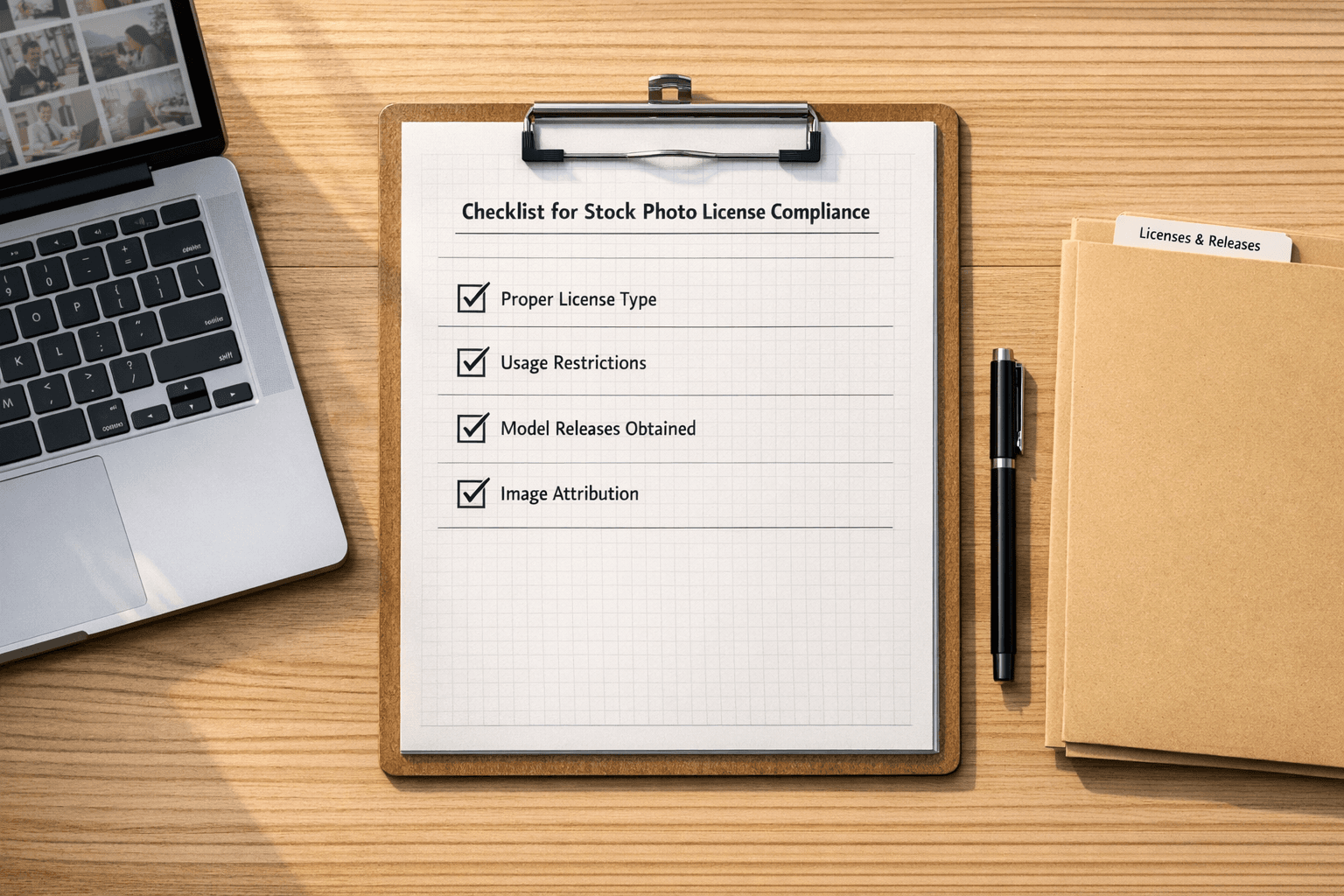
Auditing image licenses on your website helps you avoid costly legal and financial risks. Here's how you can ensure compliance and protect your brand:
- Why It Matters: Using unlicensed images can lead to copyright claims, legal fees, settlements, and reputation damage.
- Who Needs Audits: Websites with frequent updates, user-generated content, or images of people, landmarks, or trademarks are at higher risk.
-
License Types to Know:
- Royalty-Free (RF): Pay once, use multiple times (not copyright-free).
- Rights-Managed (RM): Restrictive usage based on time, location, and more.
- Creative Commons (CC): Varies by terms like attribution, modification, and commercial use.
-
Audit Steps:
- Make an Image List: Use tools to crawl your site, identify duplicates, and track new images.
- Check Licenses: Verify purchase receipts, contracts, and usage terms for each image.
- Find Problem Images: Use reverse image searches, EXIF analysis, and watermark detection to uncover risks.
- Fix Issues: Purchase licenses, replace unlicensed images, or remove them.
Pro Tip: Combine manual record-keeping with PicDefense.io’s automated scanning and built-in reverse image search for end-to-end compliance.
PicDefense streamlines detection, scoring, and documentation—no extra plugins or tools required.
| Audit Method | Pros | Cons |
|---|---|---|
| Manual Tracking | Detailed hands-on records | Time-consuming |
| Automated Tools (e.g., PicDefense.io) | AI-powered, comprehensive image scanning with risk scoring | Requires documentation validation for flagged images |
Stay proactive by maintaining a license database, automating monitoring, and training your team. Tools like PicDefense.io simplify image compliance through features like proprietary EXIF analysis, automated risk scoring, and affordable monitoring plans.
For example, Site Monitoring starts at $30/month to track 150 images, with credit rollovers and pay-as-you-go flexibility for extra scans. Protect your website by staying organized and vigilant.
Using PicDefense.io's Reverse Image Search to Identify License Status on Unknown Images
Main Elements of License Auditing
Knowing how to handle image licenses and conduct audits is crucial for avoiding copyright problems on your website.
Common License Types
Image licenses come with specific rules that dictate how they can be used. Here’s a breakdown of the most common types:
Royalty-Free (RF): A royalty-free license allows you to pay once and use the image multiple times. But don’t confuse "royalty-free" with "copyright-free" - you still need to follow the terms of the license.
Rights-Managed (RM): This type of license is more restrictive. It limits usage based on factors like:
- How long you can use the image
- Where it can be used geographically
- The industry or sector it’s applied to
- The size and placement of the image
- The number of impressions it generates
Creative Commons (CC): Creative Commons licenses vary but often address:
- Whether the image can be used commercially or just non-commercially
- If attribution is required
- Whether modifications are allowed
- Redistribution rights
| License Aspect | What to Check | Why It Matters |
|---|---|---|
| Usage Rights | Commercial/Editorial | Ensures the image can legally be used for business purposes |
| Duration | Time limits | Avoids issues with expired licenses |
| Attribution | Credit requirements | Helps you stay legally compliant |
| Modifications | Editing permissions | Defines what changes you’re allowed to make |
Audit Methods Compared
Understanding license types is just the first step. To ensure compliance, adopting effective audit methods is key. Most audits involve a mix of manual tracking and automated tools, each with its own advantages:
Manual Tracking:
- Keeping track of licenses in spreadsheets
- Storing purchase receipts
- Documenting attribution requirements
Although this method can be time-intensive, it gives you a detailed, hands-on record of each license.
Automated Solutions: Tools like PicDefense.io simplify the process by offering:
- Comprehensive website scanning
- AI-driven image analysis
- Automatic flagging of potential issues
- Risk scoring to highlight areas of concern
Best Practices for Both Approaches:
- Record all image sources and their licenses
- Keep receipts and document purchase dates
- Store license agreements in a secure location
- Monitor expiration dates for usage rights
- Set up an organized system for easy access to records
While automated tools like PicDefense.io can identify stock images, they cannot confirm if you hold a valid license. The best strategy combines automated scanning with meticulous record-keeping for thorough compliance.
How to Audit Image Licenses: Step by Step
Follow this guide to ensure every image on your website is properly licensed and compliant.
Making an Image List
Start your audit by creating a complete inventory of all the images on your website. Here's how:
1. Website Crawling
Use a website crawler to locate images across your site, including:
- Images embedded in older blog posts
- Files hidden in subdirectories
- Images loaded dynamically via JavaScript
- Assets served through CDNs
2. De-duplication Process
Once you've gathered all the images, eliminate duplicates by comparing file names, URLs, and file paths. This ensures you're focusing only on unique images.
3. Ongoing Monitoring
Set up a process to track new images as they're added to your site. This helps you avoid future licensing issues before they arise.
With your inventory complete, it's time to verify the license status of each image.
Checking License Records
Go through each image systematically to confirm it’s properly licensed:
For Stock Images:
- Locate purchase receipts and download histories.
- Double-check usage rights in your stock photo account.
- Record license terms, including any expiration dates.
For Custom or Commissioned Images:
- Review contracts with photographers or designers.
- Confirm the terms of use and whether rights have been transferred.
- Check if attribution is required and ensure it's properly displayed.
"PicDefense can identify if an image is a stock photo or high-risk, but confirming your license is up to you.
That’s why organizing documentation remains essential." - PicDefense.io [1]
After verifying records, focus on identifying any images that might pose risks.
Finding Problem Images
Use these methods to uncover potential licensing issues:
| Detection Method | What It Reveals | Action Required |
|---|---|---|
| Reverse Image Search | Original source and usage | Compare findings with your records |
| EXIF Analysis | Embedded copyright info | Check metadata for ownership |
| Watermark Detection | Visual ownership marks | Review for unauthorized use |
| Stock Photo Detection | Commercial source | Confirm purchase history |
Combine tools and manual reviews for a thorough check. PicDefense, with its database of over 73 billion images, can help identify risks [1]. If an image is flagged, take these steps:
- Verify your documentation.
- Confirm the usage rights.
- Record any legitimate licenses.
- Replace any unauthorized images immediately.
sbb-itb-59d21f2
Fixing Copyright Issues
Fixing Missing Licenses
If you discover unlicensed images in your content, act quickly to avoid potential legal trouble.
For unlicensed stock images:
| Action | When to Use | Steps to Take |
|---|---|---|
| Purchase License | If the image is essential to your content | • Locate the image provider, buy the license, and document the transaction details. |
| Replace Image | If the image isn't critical | • Choose a pre-licensed alternative, update the content, and ensure compliance. |
| Remove Image | If the content works without the image | • Delete the image, adjust the layout, and archive any associated files. |
Quick action is key to avoiding legal headaches. Once you've addressed any immediate issues, focus on creating a system to avoid similar problems in the future.
Keeping Images Licensed
After resolving missing licenses, it's important to establish a process that ensures compliance moving forward. Good documentation and proactive measures can save time and effort.
Steps to Maintain Compliance:
-
Set Up a License Database
Keep detailed records for every image, including:- Purchase date and source
- License terms and expiration
- Any usage restrictions
- Renewal requirements
-
Automate Monitoring
Use tools like PicDefense for weekly scans to identify and address potential issues before they escalate. -
Train Your Team
Educate your staff with clear guidelines on:- How to source images properly
- Verifying licenses before use
- Maintaining accurate documentation
- Responding to flagged content
Pro Tip: Take advantage of PicDefense's whitelist feature to mark verified images, cutting down on unnecessary alerts during future scans.
Automating workflows for scanning and documenting new images can significantly reduce the manual workload, helping your team stay focused on creating great content without overlooking compliance.
Using PicDefense.io for License Audits

PicDefense.io builds on both manual and automated audit methods by adding a layer of AI-driven insights to streamline compliance efforts.
PicDefense.io Tools
PicDefense.io uses proprietary image analysis technology to scan your entire library. By combining AI-driven insights, reverse image search, and metadata extraction, it delivers compliance-ready results without relying on third-party tools. It cross-references your images against a database of over 73 billion images [1], effectively identifying potential copyright issues. This automated system complements the manual steps discussed earlier, saving time and reducing errors.
Core Features Include:
- EXIF Analysis: Extracts embedded copyright data for deeper insights.
- Detection Tools: Identifies faces, landmarks, and logos to assess copyright risks.
- Reverse Image Search: Tracks online usage of your images and consolidates findings into easy-to-read reports.
- Backlink Analysis: Pinpoints original sources of images for better attribution.
- File Format Support: Works seamlessly with JPEG, PNG, WEBP, and GIF files.
PicDefense.io also employs a risk scoring system to prioritize images that need immediate attention. This feature works alongside your ongoing audit efforts, making the compliance process more manageable.
Making Compliance Easier
PicDefense.io takes the complexity out of license management by offering automated tools and intelligent features. PicDefense.io offers flexible pricing built for any website size:
- Single Scan: $85 for up to 500 images
- Site Monitoring: $30/month for 150 images with rollover credits
-
Pay-As-You-Go: Analyze images starting at $0.08 each with bulk credit packs
This credit-based system helps users stay compliant affordably, with full control over how and when to scan.
Additional scans beyond the monthly limit are priced at $0.15 per image [1]. Integration options include a WordPress plugin, API access, and Zapier connectivity, all designed to provide detailed, actionable compliance reports. This transparent pricing structure makes it easier to stay on top of audits without breaking the bank.
"PicDefense.io offers more than risk assessment; it's a comprehensive toolkit for achieving and showcasing image copyright compliance." – PicDefense.io
For ongoing protection, the Site Monitoring feature automatically scans new images added to your site, ensuring continuous compliance with minimal effort. The platform's whitelist function further streamlines future audits by marking approved images, reducing unnecessary alerts and speeding up subsequent scans. With this systematic approach, PicDefense.io helps you maintain accurate records while cutting down the manual workload tied to license management.
Conclusion: Protecting Your Website
Keeping your website safe from legal troubles tied to image use requires ongoing effort. Copyright claims can cost thousands of dollars, so staying vigilant with regular image license audits is essential to avoid these risks.
Key Takeaways
Managing image licenses effectively means staying organized and proactive. By combining detailed record-keeping with consistent monitoring, website owners can significantly cut down on the chances of copyright violations. Here are three essential practices to keep in mind:
- Regular Monitoring: Continuously scan your website for newly added images to catch potential issues early.
- Documentation: Keep detailed records of licenses and permissions to ensure you have a clear audit trail.
- Risk Management: Quickly address flagged images by securing proper licenses or replacing them with compliant alternatives.
These steps, when paired with advanced tools, create a strong compliance strategy.
For example, automated tools like PicDefense.io's Site Monitoring feature can help you stay on top of your image inventory without breaking the bank [1]. They provide a reliable way to ensure your website remains compliant, saving you time and reducing risks.
Even accidental misuse of images can result in serious consequences. By adopting these practices and using cutting-edge tools, you can safeguard your website, protect your content, and uphold creative standards.
FAQs
What are the risks of using unlicensed images on my website?
Using images on your website without proper licensing can have serious repercussions. You could face copyright infringement lawsuits, hefty fines, or even takedown notices - any of which can disrupt your business and tarnish your reputation.
Beyond legal trouble, using unlicensed images can harm your credibility with your audience. If your site appears careless about copyright rules, visitors may lose trust in your brand. To steer clear of these issues, ensure you have the appropriate rights or licenses for every image you use and keep documentation handy as proof.
How can I keep track of image licenses on a website that’s regularly updated?
Managing image licenses on a frequently updated website can feel like a juggling act, but the right tools make it manageable. PicDefense.io is an AI-driven platform designed to scan your entire site, building a thorough image inventory while flagging any potential copyright concerns. It also provides automated workflows and in-depth compliance reports to help keep your site protected and current.
With features like bulk scanning, metadata analysis, and reverse image search, PicDefense simplifies the process of monitoring and managing licenses. This not only saves time but also helps minimize the risk of legal complications.
How can I automate the process of auditing image licenses on my website to ensure compliance?
PicDefense.io makes image license audits effortless and efficient with its robust tools. It offers a WordPress plugin for easy integration into your website and API access for building custom workflows. To take it a step further, it also supports automation by integrating with platforms like Zapier and Make.com, helping you perform compliance checks with almost no manual effort.
Protect your website from image copyright claims
PicDefense scans your entire website, identifies image risks, and stores proof of compliance — so you never get caught off guard.