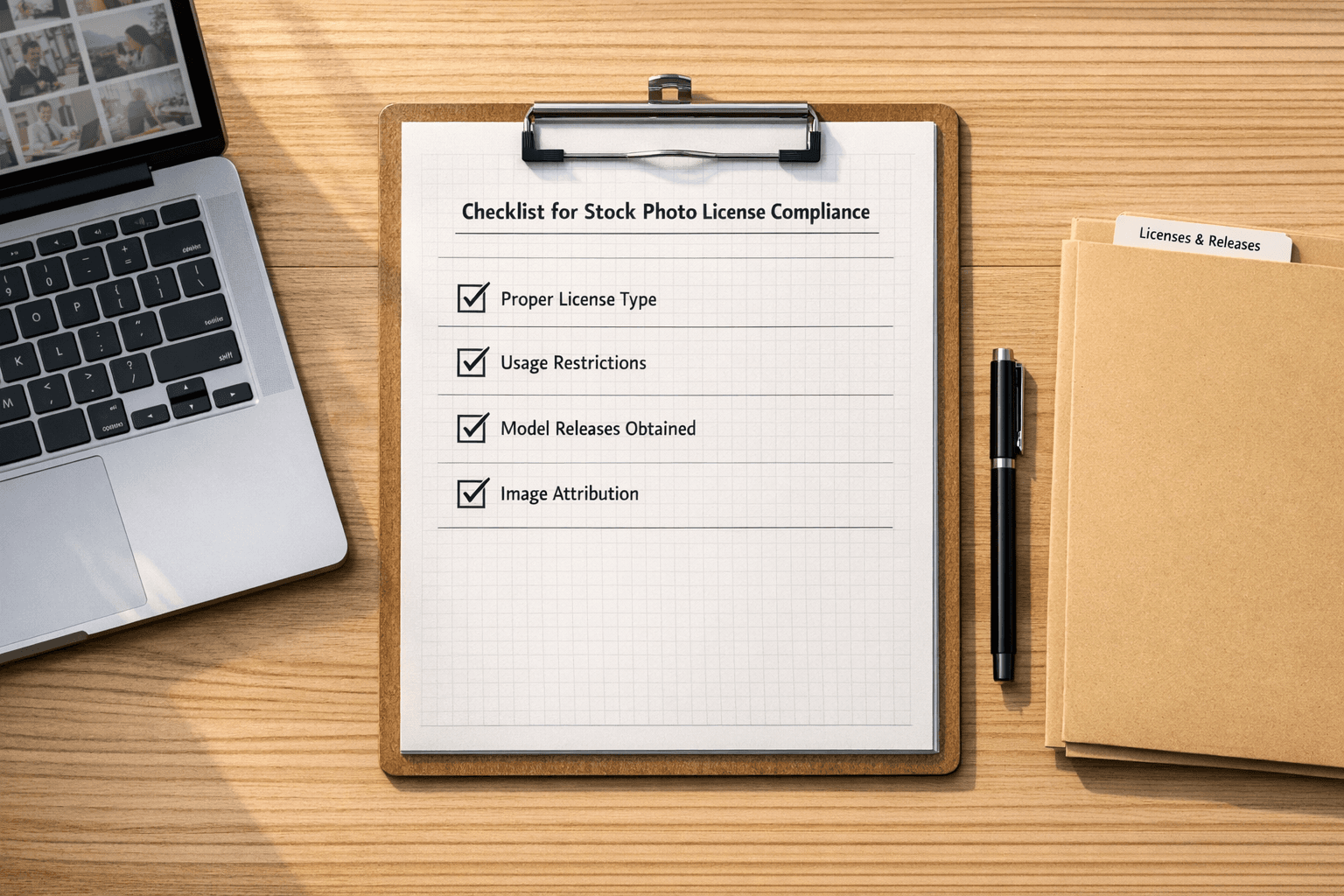
Using unlicensed images can result in hefty fines—up to $150,000 per violation—and legal action. To avoid these risks, follow these seven essential steps to verify image rights and ensure copyright compliance.
7 Ways to Verify Image Rights:
- Check Metadata: Analyze an image’s metadata for copyright details using PicDefense.io’s EXIF data extraction tool.
- Reverse Image Search: Use PicDefense.io’s integrated reverse image search to find the image’s original source and licensing details.
- Search Creative Commons Databases: Check platforms like Openverse and Wikimedia Commons for free-to-use images with clear licenses.
- Review Stock Photo Licenses: Verify the type of license (e.g., royalty-free, rights-managed) and any usage restrictions.
- Look for Watermarks: Detect visible or hidden watermarks that may indicate ownership.
- Trace Backlinks: Use PicDefense.io’s backlink analysis to track where an image has been used online.
- Use AI Tools: Leverage PicDefense.io’s AI-powered copyright detection for bulk image verification and compliance tracking.
Quick Comparison Table
| Method | Tools/Platforms | Key Benefit |
|---|---|---|
| Metadata Check | PicDefense.io EXIF Scanner | Find embedded ownership details |
| Reverse Image Search | PicDefense.io | Trace image source and licensing |
| Creative Commons Databases | Openverse, Wikimedia Commons | Access free-to-use, licensed images |
| Stock Photo Licenses | Shutterstock, Adobe Stock | Verify commercial usage rights |
| Watermark Detection | Digimarc, Forensically | Identify visible or hidden ownership marks |
| Backlink Tracing | PicDefense.io Backlink Analysis | Track how and where the image is used |
| AI Tools | PicDefense.io | Bulk-check images for copyright compliance |
📌 Tip: Combine multiple methods for the most reliable results. Using PicDefense.io automates and simplifies this process, ensuring ongoing compliance with minimal effort.
How to LEGALLY Use a Copyrighted Photo
1. Examine Image Metadata
Metadata embedded in images provides critical clues about ownership, even if incomplete. Analyzing metadata is a fundamental step in identifying copyright risks. While 97% of online images have their metadata removed, this step remains essential for verification.
How to Access Metadata
Use PicDefense.io’s EXIF Data Scanner for fast and accurate metadata analysis. Alternatively, you can manually check metadata using the following tools:
| Tool | Platform | How to Access |
|---|---|---|
| PicDefense.io EXIF Scanner | Web-based | Upload an image for instant metadata extraction |
| Windows File Explorer | Windows | Right-click > Properties > Details |
| macOS Preview | Mac | Tools > Show Inspector > EXIF |
Key Metadata Fields to Check
- Copyright Notice (e.g., "© 2024 [Owner]")
- Creator/Author details
- License Type (e.g., Creative Commons or Rights-Managed)
- Usage Restrictions
- Attribution Requirements
🚨 Note: If metadata does not provide a clear answer, proceed to Method 2: Reverse Image Search to verify copyright status.
2. Perform Reverse Image Search
If metadata does not provide sufficient information, a reverse image search can help trace an image back to its original source and uncover potential licensing details.
How to Perform a Reverse Image Search
Use PicDefense.io’s Integrated Reverse Image Search for accurate and efficient source tracking. This tool automatically scans the web to determine where an image has been used before.
Why Use PicDefense.io?
✅ Identifies the earliest known use of an image
✅ Finds licensing details and stock photo origins
✅ Detects unauthorized duplicates and copyright violations
Additional Reverse Image Search Tools
If further verification is needed, you can also try:
| Tool | Platform | Key Benefit |
| Google Images | Web-based | General reverse search capabilities |
| TinEye | Web-based | Best for finding modified or cropped versions |
| PimEyes | Web-based | Facial recognition for portraits |
🔍 Action Step: Upload an image to PicDefense.io and receive instant copyright risk scoring.
3. Search Creative Commons Databases
When metadata and reverse searches don't provide clear answers, Creative Commons databases can help. These platforms offer clearly defined licensing options that explain how content can be used, based on the clues found in metadata.
Common Creative Commons Licenses
| License | Commercial Use? | Modifications Allowed? |
| CC BY | ✅ Yes | ✅ Yes |
| CC BY-SA | ✅ Yes | ✅ Yes (must share alike) |
| CC BY-ND | ✅ Yes | ❌ No |
| CC BY-NC | ❌ No | ✅ Yes |
| CC0 (Public Domain) | ✅ Yes | ✅ Yes |
Sources for Creative Commons Images
Here are two key platforms for finding Creative Commons-licensed images:
- Openverse: This is a powerful search tool for CC-licensed content, pulling from multiple sources. It includes over 2 billion Creative Commons works, making it a top choice for finding usable media.
- Wikimedia Commons: With more than 80 million media files, this platform is especially useful for historical and educational visuals.
When using these platforms, keep these tips in mind:
- Double-check the license: Make sure you understand the terms before using an image.
- Document details: Save the source URL, creator's name, and any attribution requirements.
- Assess quality: Verify the resolution and overall quality of the image before downloading.
- Use filters: Take advantage of built-in license filters to narrow down your search.
For proper attribution, always include the following:
- The image title
- The creator's name
- The source URL
- The license type
- Any specific attribution details required by the license
4. Check Stock Photo Licenses
After reviewing public databases, it's crucial to verify the licenses for any commercial stock images on your site. Here's a breakdown of the main license types to look out for:
| License Type | Usage Rights | Limitations |
|---|---|---|
| Royalty-Free | Can be used multiple times after a one-time payment | Subject to basic commercial restrictions |
| Rights-Managed | Usage is limited by time, location, or specific purposes | Comes with strict parameters |
| Extended License | Covers broader commercial rights | Generally more expensive |
| Editorial | Restricted to news or educational use | Not permitted for commercial use |
How to Verify Stock Photo Licenses
To confirm the rights for your images, use tools provided by stock photo platforms. For example, Adobe Stock offers a License History feature, and Shutterstock provides a verification page.
When verifying, pay attention to these points:
- License Documentation: Keep receipts or agreements handy.
- Usage Rights: Ensure the license matches your intended use.
- Restrictions: Check for any geographic or time-based limitations.
- Model/Property Releases: Verify if permissions are included for identifiable people or properties in the image.
For teams managing multiple licenses, a Digital Asset Management (DAM) system can simplify tracking and organizing your image rights. Many stock photo providers also offer direct support to help with license verification.
sbb-itb-59d21f2
5. Identify Image Watermarks and Text
After confirming stock licenses, take a closer look at the images themselves for any signs of ownership. Watermarks can be either clearly visible or hidden using advanced techniques that might require special tools to uncover.
Spotting Visible Watermarks
When checking for visible copyright markers, focus on these areas:
| Location | Possible Markers |
|---|---|
| Corners | © symbols, photographer names |
| Bottom Edge | Website addresses, company names |
| Center | Semi-transparent overlays |
| Negative Space | Faint signatures |
To enhance your search, try adjusting the contrast in an image editor. This can help reveal faint marks in darker or lighter areas.
Uncovering Hidden Watermarks
If visible watermarks aren’t present, you’ll need to explore deeper. Many images include invisible watermarks that require specialized tools for detection.
Here are some tools professionals rely on:
- Digimarc: A widely-used tool for detecting invisible watermarks.
- Imatag: Designed for finding hidden ownership marks.
- Photoshop: Includes a built-in watermark detection feature.
- Forensically: A free online tool for analyzing image details.
"Watermarks are not foolproof, but they serve as a strong deterrent against unauthorized use and can help creators protect their intellectual property in the digital age." - Digital Rights Management Specialist, Copyright Clearance Center
Combining this visual inspection with metadata analysis and reverse image searches adds another layer of protection for verifying image ownership.
6. Trace Image Source Using Backlinks
If an image lacks visible watermarks or metadata, backlink analysis can help trace its origin. PicDefense.io’s Backlink Analyzer automates this process by scanning the web for image usage history.
Why Backlink Analysis is Important
- Identifies the earliest publication date of an image
- Determines website credibility where the image is hosted
- Tracks how the image spreads across domains and social media
How to Perform Backlink Analysis
- Upload the image to PicDefense.io to generate a backlink report.
- Review referring domains to see where the image appears online.
- Identify original sources based on authoritative sites.
- Look for licensing or attribution details on source websites.
Backlink Analysis Tools
| Tool | Key Benefit |
| PicDefense.io Backlink Analysis | Tracks how and where an image appears online |
| Ahrefs | Shows backlink profiles and referring domains |
| SEMrush | Provides historical usage insights |
📌 Pro Tip: Use PicDefense.io to automate backlink tracking, ensuring ongoing compliance without manual checks.
7. Use AI Tools for Copyright Detection
When manual methods like metadata checks and backlink tracing don't provide clear answers, AI-powered copyright detection can automate bulk image verification and flag potential copyright risks efficiently.
What AI Copyright Tools Can Do
PicDefense.io leverages advanced AI technology to streamline the copyright verification process, offering:
- Full-Site Scanning – Automatically crawls entire websites, compiling a detailed image inventory for compliance checks.
- Metadata & Watermark Analysis – Detects EXIF data, visible and hidden watermarks, as well as embedded ownership markers.
- Image Fingerprinting & Similarity Detection – Identifies variations of an image, including cropped, resized, or slightly modified versions.
- Legal Risk Scoring – Assigns a copyright risk level based on AI-driven analysis, helping users prioritize high-risk images.
- Reverse Search Integration – Matches images across the web to determine their original source and licensing history.
🚀 AI-powered detection boasts a 98.2% accuracy rate, significantly improving the efficiency and reliability of copyright compliance compared to manual reviews.
How to Use AI for Image Compliance
To get the most out of PicDefense.io’s AI-driven tools, follow these steps:
- Run a full-site scan to identify potential copyright risks.
- Review flagged images and compare findings with metadata analysis (Method 1) and reverse image search results (Method 2).
- Replace or license high-risk images to ensure compliance.
- Enable automatic re-scanning to continuously monitor newly uploaded content.
- Maintain proper documentation by archiving compliance reports for future reference.
Key AI Features & Benefits
| AI Tool Feature | Benefit |
|---|---|
| Automated Scanning | Processes thousands of images rapidly |
| Risk Assessment | Highlights high-risk images for review |
| License Verification | Cross-checks with stock and Creative Commons databases |
| Continuous Monitoring | Sends alerts for new potential violations |
📌 AI tools provide an added layer of security, but they should complement—not replace—other verification methods like metadata analysis and reverse image search.
By integrating AI-powered copyright detection with PicDefense.io, website owners can proactively protect their content, reduce legal risks, and simplify image compliance management.
Conclusion
Protecting your website from copyright violations requires a multi-layered strategy that combines manual checks with AI-driven automation. By leveraging PicDefense.io alongside traditional verification methods, you can reduce legal risks and maintain full image compliance.
Best Practices for Ongoing Compliance:
✅ Quarterly Audits – Conduct manual reviews (Methods 1-6) and AI-based monitoring (Method 7).
✅ Centralized Documentation – Keep track of stock licenses, Creative Commons usage, and copyright permissions.
✅ Team Training – Educate staff on key skills like metadata analysis, watermark detection, and backlink tracing.
✅ Automated Monitoring – Use PicDefense.io for continuous scanning and alerting on potential copyright risks.
📊 Google’s Transparency Report states that over 170,000 DMCA takedown notices were filed for image copyright issues in 2022. This highlights the urgent need for proactive compliance to avoid fines and legal disputes.
🔍 Take action today: Run a free scan with PicDefense.io and protect your website from costly copyright claims! 🚀
FAQs
How can I check if an image is copyright-free?
To confirm whether an image is copyright-free, combine multiple verification methods:
- Check Metadata – Look for copyright details using PicDefense.io’s EXIF Data Scanner.
- Perform a Reverse Image Search – Use PicDefense.io’s integrated search to trace the image’s source.
- Verify Licensing Terms – Review Creative Commons databases and stock photo licenses.
- Use AI Tools – Automate compliance with PicDefense.io’s risk-scoring system.
📌 Even if an image lacks clear copyright markings, it does not guarantee it’s free to use!
"The internet is not a free-for-all when it comes to images. Just because you can right-click and save an image doesn't mean you have the right to use it." - Carolyn E. Wright, Attorney and Founder of Photo Attorney [1]
How do I know if an image is copyrighted?
Certain clues can indicate an image is copyrighted:
- Watermarks – Visible ownership markers.
- Metadata Details – Copyright fields in EXIF data.
- Licensing Terms – Stock sites like Shutterstock require paid licenses.
- Reverse Search Matches – If the image appears on stock photo websites, it likely requires permission.
Can I use an image if I give credit?
Giving credit does not automatically grant permission to use an image. Unless the license specifically allows free use with attribution (such as Creative Commons BY), you must obtain proper authorization.
What happens if I use copyrighted images without permission?
Using copyrighted images without permission can lead to:
- DMCA takedown requests.
- Legal penalties, including fines up to $150,000 per infringement.
- Lawsuits from copyright holders.
- SEO penalties from search engines for unauthorized content
With the U.S. Copyright Office processing over 443,000 copyright registrations in 2022, many of which were visual arts works [4], it’s always wise to either get explicit permission or use verified copyright-free sources when in doubt.
How does reverse image search help with copyright verification?
Reverse image search allows you to:
- Trace the image back to its earliest known publication.
- Identify stock photo sites or artist portfolios where licensing details are available.
- Detect unauthorized duplicates or edited versions of an image.
What is the safest way to use images online?
For full compliance, follow these steps: ✅ Use Royalty-Free or Licensed Images – Obtain them from reputable stock photo sources. ✅ Create Your Own Content – Design original graphics, photos, or illustrations. ✅ Use AI Tools for Ongoing Compliance – Set up PicDefense.io to monitor new uploads automatically.
🔍 Still unsure? Run a free scan with PicDefense.io to check your website’s image compliance! 🚀
Protect your website from image copyright claims
PicDefense scans your entire website, identifies image risks, and stores proof of compliance — so you never get caught off guard.